
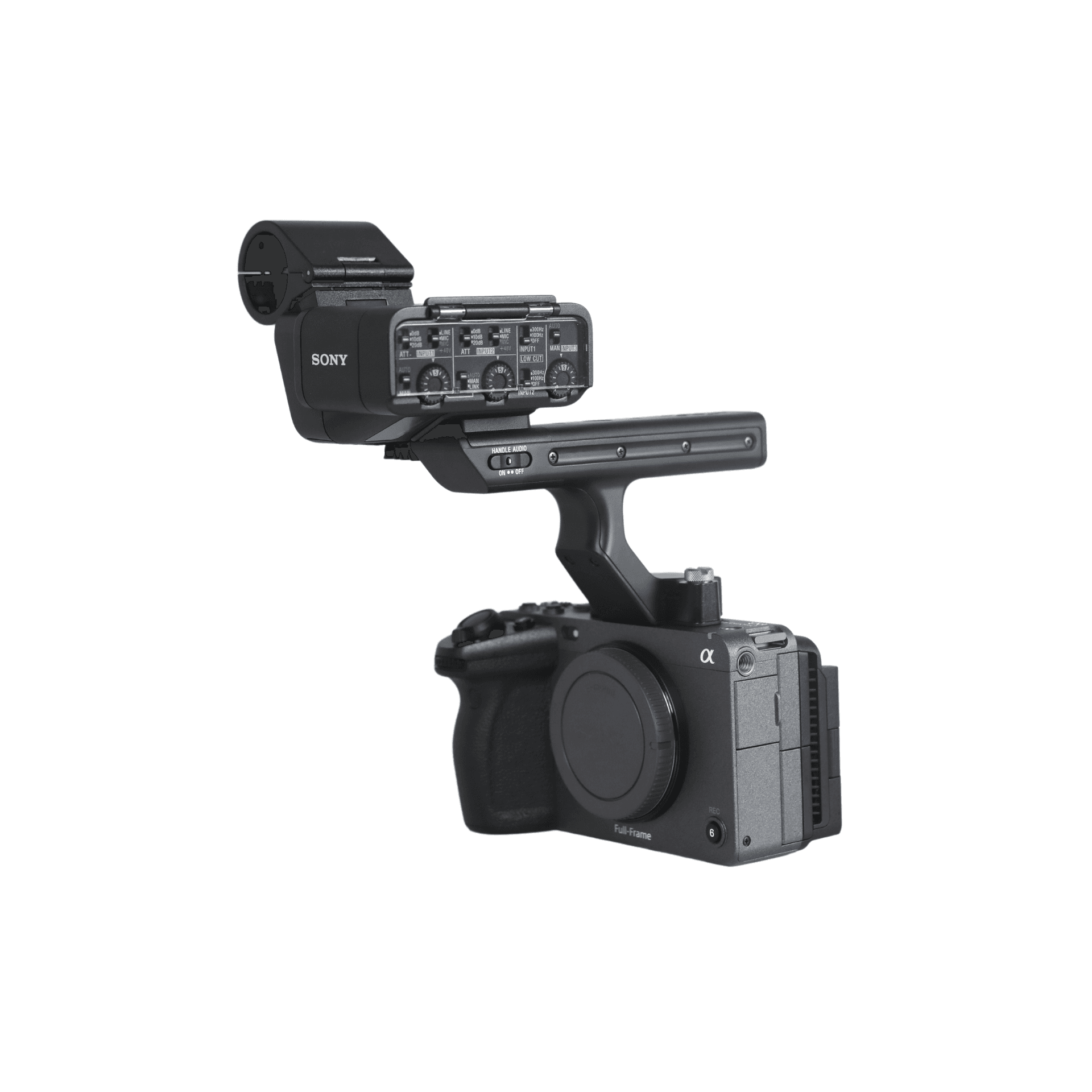
Sony FX3: rental and use guide
Learn the equipment category, common uses (single-operator video production, short-form video, wedding production, travel documentary), and the configuration to confirm before booking.
View equipment details →Equipment rental guides
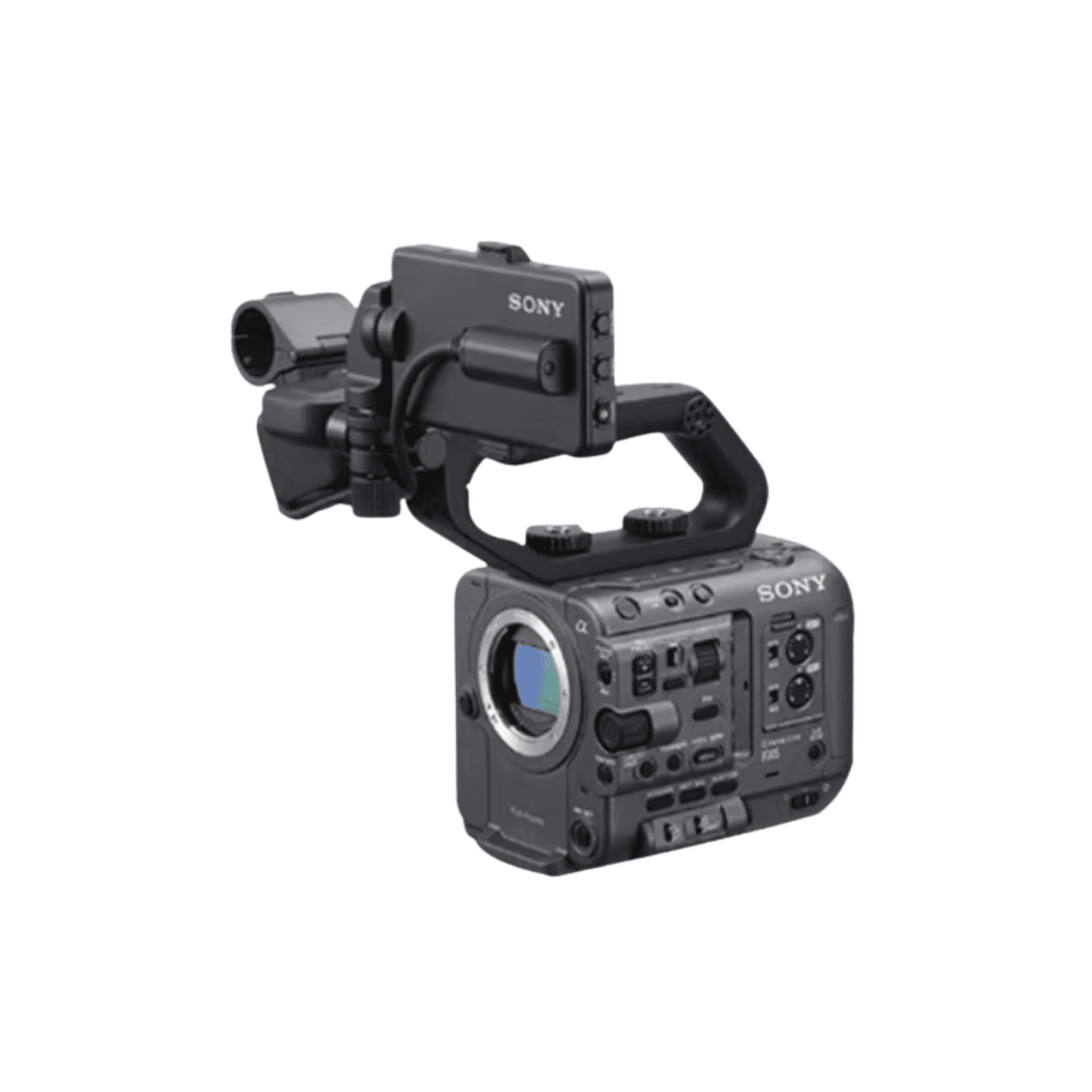
Explore suitable uses, system pairings and selection logic across 30 common products. Exact city rates appear only while the reviewed references remain current.
30
common equipment types
60
practical resources
2
content types
30 pieces
Understand categories, suitable use cases, common pairings and rental checks.

Learn the equipment category, common uses (single-operator video production, short-form video, wedding production, travel documentary), and the configuration to confirm before booking.
View equipment details →
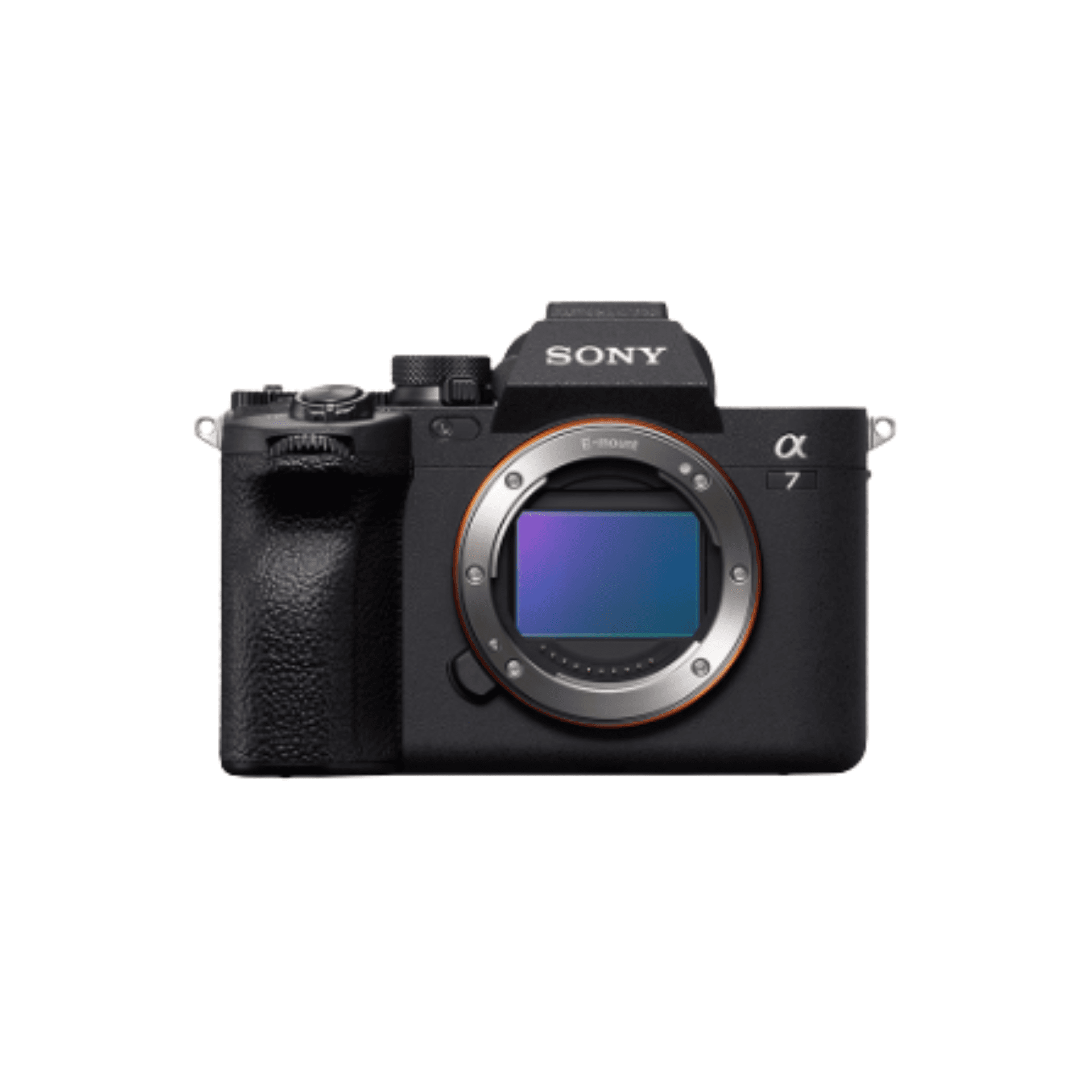
Learn the equipment category, common uses (documentary, interview, wedding production, event coverage), and the configuration to confirm before booking.
View equipment details →
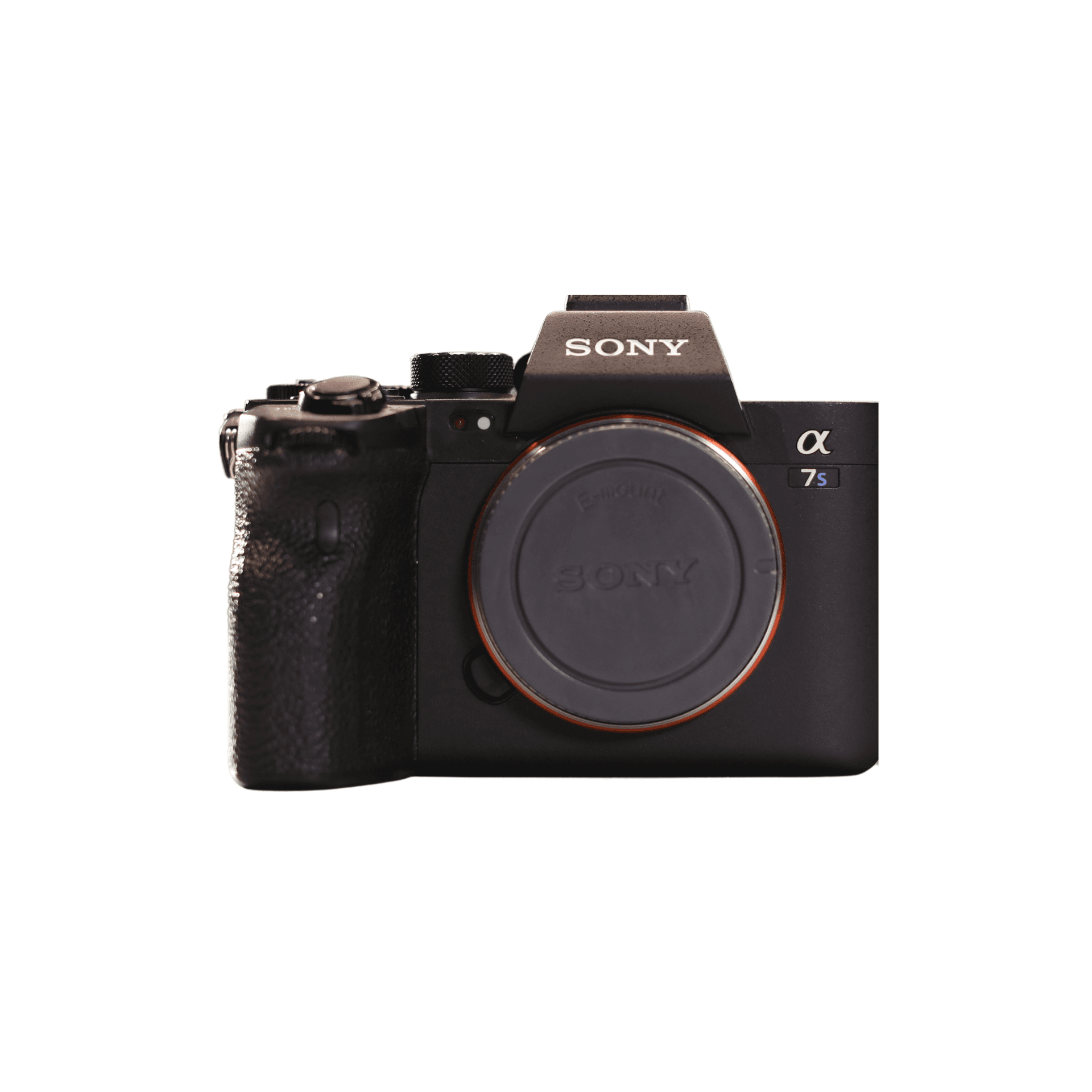
Learn the equipment category, common uses (wedding production, event production, brand short-form video, portrait), and the configuration to confirm before booking.
View equipment details →
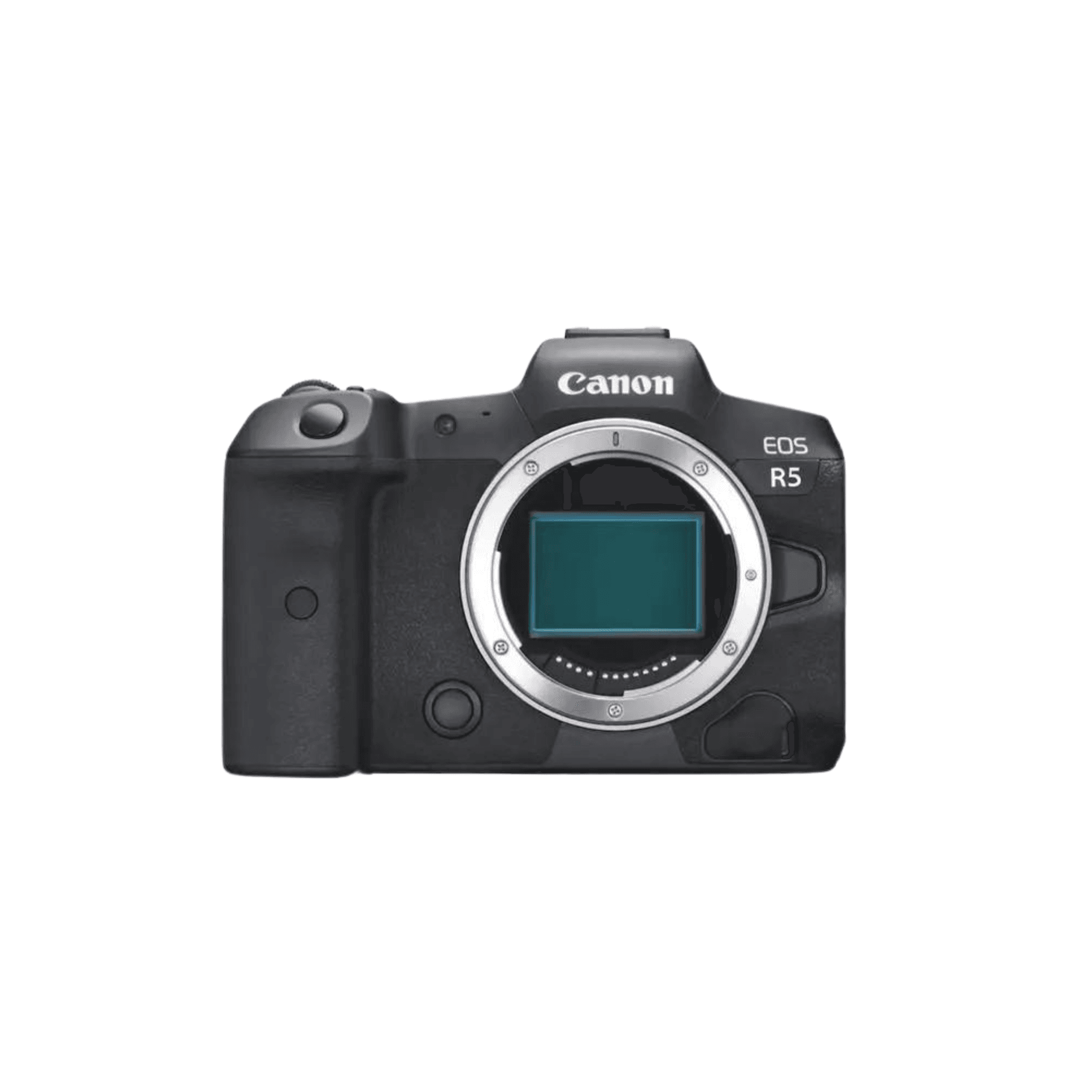
Learn the equipment category, common uses (low-light events, wedding video, short film, livestream camera position), and the configuration to confirm before booking.
View equipment details →
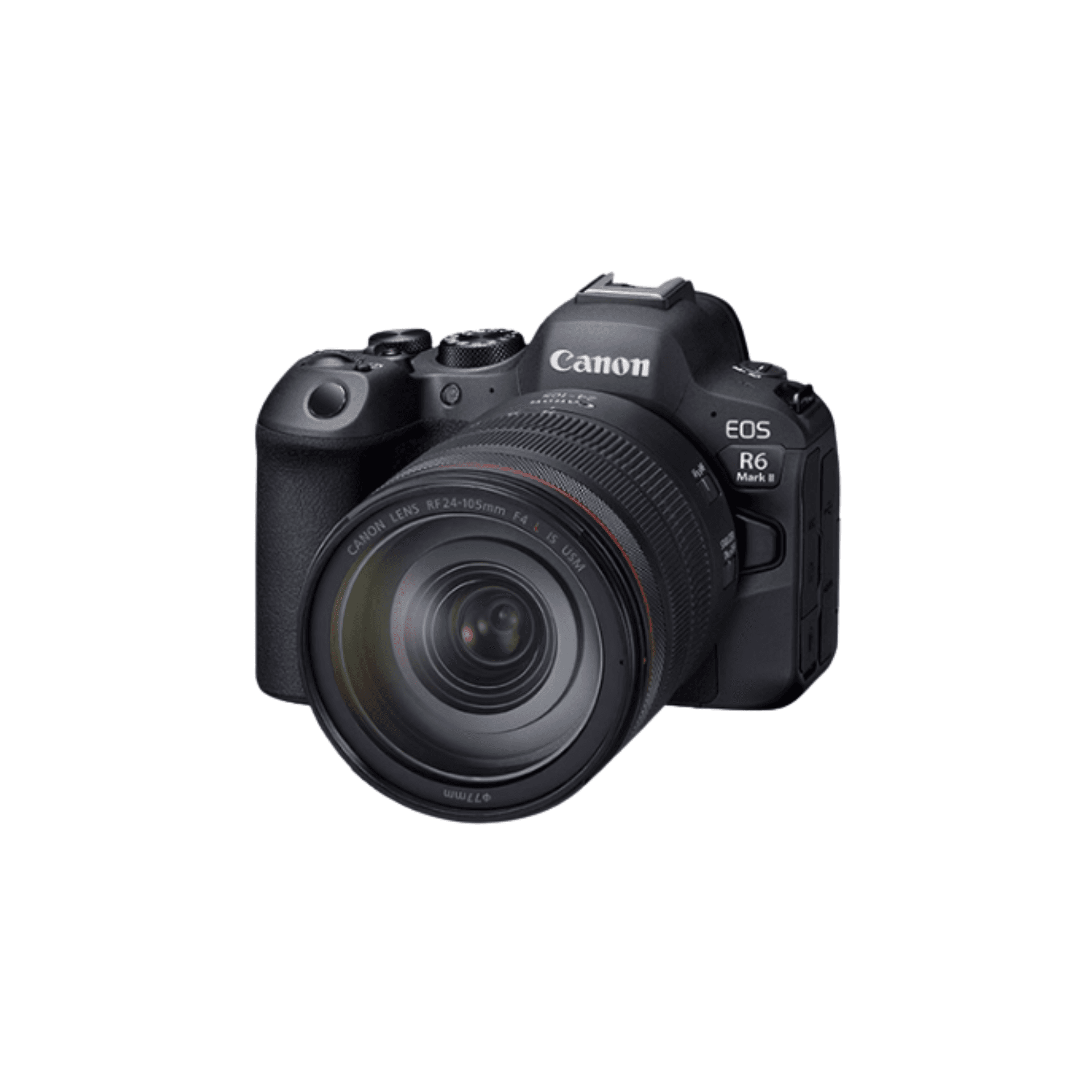
Learn the equipment category, common uses (wedding production, commercial portraiture, advertising still life, event production), and the configuration to confirm before booking.
View equipment details →
Learn the equipment category, common uses (wedding production, event production, interview, brand short-form video), and the configuration to confirm before booking.
View equipment details →Learn the equipment category, common uses (wedding production, event production, commercial production, interview), and the configuration to confirm before booking.
View equipment details →Learn the equipment category, common uses (wedding ceremony, stage production, sports, event close-ups), and the configuration to confirm before booking.
View equipment details →Learn the equipment category, common uses (wedding production, documentary work, portrait, street photography), and the configuration to confirm before booking.
View equipment details →Learn the equipment category, common uses (portrait, wedding production, interview, general commercial production), and the configuration to confirm before booking.
View equipment details →Learn the equipment category, common uses (portrait, wedding production, stage close-ups, compressed-perspective interview framing), and the configuration to confirm before booking.
View equipment details →Learn the equipment category, common uses (wedding production, event production, portrait, interview), and the configuration to confirm before booking.
View equipment details →Learn the equipment category, common uses (wedding ceremony, stage production, sports, event close-ups), and the configuration to confirm before booking.
View equipment details →Learn the equipment category, common uses (travel, interview, event production, corporate film), and the configuration to confirm before booking.
View equipment details →Learn the equipment category, common uses (commercial production, documentary, wedding production, stabilized work with rigged mirrorless or lightweight cinema cameras), and the configuration to confirm before booking.
View equipment details →Learn the equipment category, common uses (commercial video, narrative short, wedding production, documentary), and the configuration to confirm before booking.
View equipment details →Learn the equipment category, common uses (mirrorless video, vlogging, brand film, mobile tracking shots), and the configuration to confirm before booking.
View equipment details →Learn the equipment category, common uses (large-set lighting, daylight simulation on location, commercial advertising, production key light), and the configuration to confirm before booking.
View equipment details →Learn the equipment category, common uses (portrait key light, location fill light, advertising production, interview), and the configuration to confirm before booking.
View equipment details →Learn the equipment category, common uses (interview, short film, livestream studio, portrait key light), and the configuration to confirm before booking.
View equipment details →Learn the equipment category, common uses (daylight simulation on location, long-throw lighting in large spaces, high-output production key light), and the configuration to confirm before booking.
View equipment details →Learn the equipment category, common uses (portrait shaping, studio production, warm-toned ambience, localised accent lighting), and the configuration to confirm before booking.
View equipment details →Learn the equipment category, common uses (interview, vlogging, tabletop production, key or fill light in compact spaces), and the configuration to confirm before booking.
View equipment details →Learn the equipment category, common uses (lightweight video-camera work, mirrorless video, interview, livestreaming), and the configuration to confirm before booking.
View equipment details →Learn the equipment category, common uses (mid-size camera systems, interview camera systems, wedding production, event documentation), and the configuration to confirm before booking.
View equipment details →Learn the equipment category, common uses (product production, interview, short film, short narrative production), and the configuration to confirm before booking.
View equipment details →Learn the equipment category, common uses (presenting, talking-head production, interview, course recording), and the configuration to confirm before booking.
View equipment details →Learn the equipment category, common uses (mobile livestreaming, mirrorless talking-head production, short-form video, lightweight presenting and interviews), and the configuration to confirm before booking.
View equipment details →Learn the equipment category, common uses (vlogging, on-camera audio, event documentation, solo production), and the configuration to confirm before booking.
View equipment details →Learn the equipment category, common uses (director monitoring, commercial production, film and television crews, multi-camera on-set monitoring), and the configuration to confirm before booking.
View equipment details →30 pieces
Compare two equipment options using production settings, system fit and project conditions.

Compare the two options by production settings, workflow fit and project conditions; current city-rate references are labelled separately when available.
View equipment details →
Compare the two options by production settings, workflow fit and project conditions; current city-rate references are labelled separately when available.
View equipment details →
Compare the two options by production settings, workflow fit and project conditions; current city-rate references are labelled separately when available.
View equipment details →
Compare the two options by production settings, workflow fit and project conditions; current city-rate references are labelled separately when available.
View equipment details →
Compare the two options by production settings, workflow fit and project conditions; current city-rate references are labelled separately when available.
View equipment details →
Compare the two options by production settings, workflow fit and project conditions; current city-rate references are labelled separately when available.
View equipment details →
Compare the two options by production settings, workflow fit and project conditions; current city-rate references are labelled separately when available.
View equipment details →Compare the two options by production settings, workflow fit and project conditions; current city-rate references are labelled separately when available.
View equipment details →
Compare the two options by production settings, workflow fit and project conditions; current city-rate references are labelled separately when available.
View equipment details →Current city daily-rate references support early budgeting; they do not represent live availability or a locked quote. Crew, vehicles, handover, delivery and bilingual coordination are separately confirmed in writing for each project.