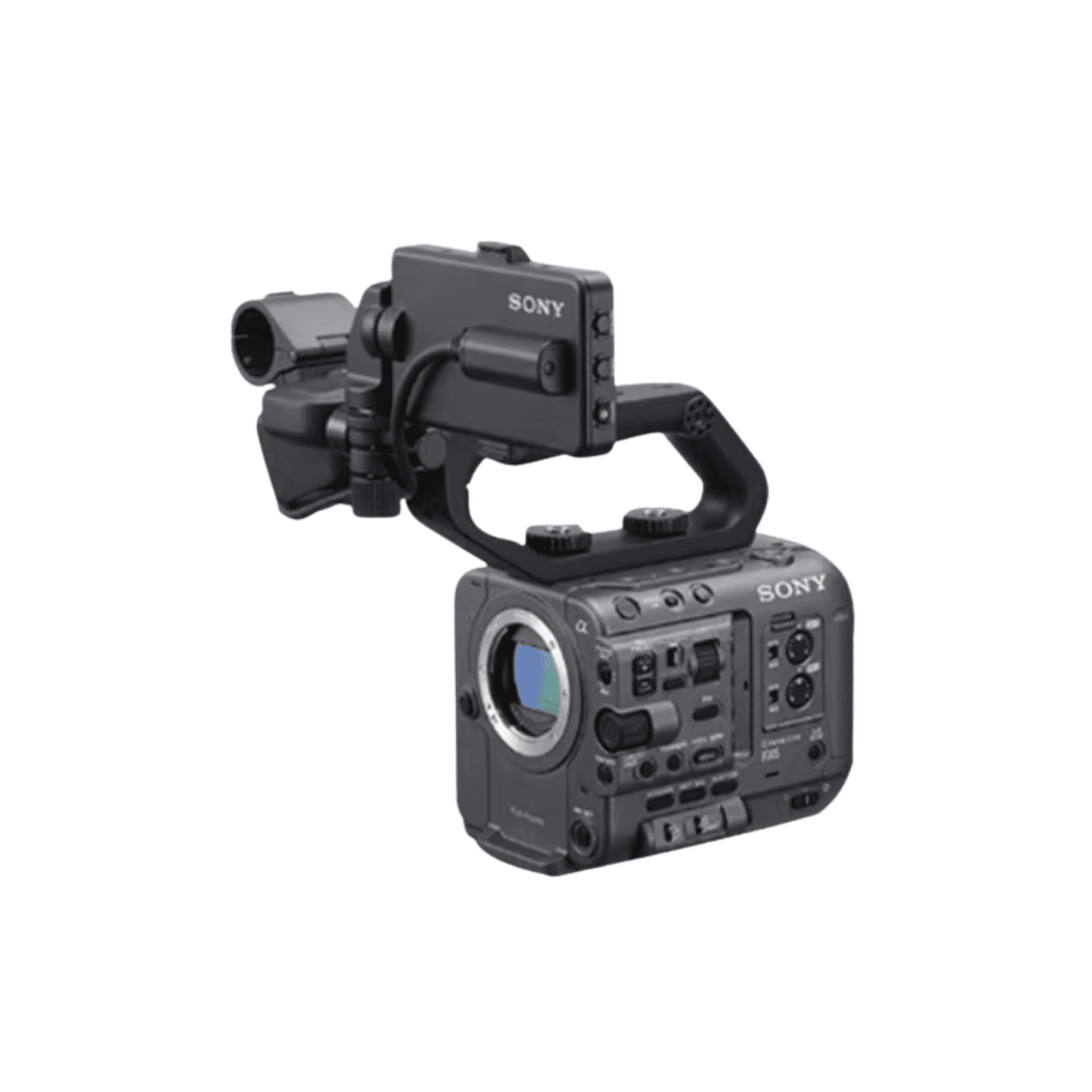
Five-Camera Roundtable Interview Checklist: Cameras, Audio, Monitoring and Media IDs
A field-derived checklist for a five-camera roundtable interview covering four close-ups, one wide shot, wireless audio, centralized monitoring and numbered media handoff.
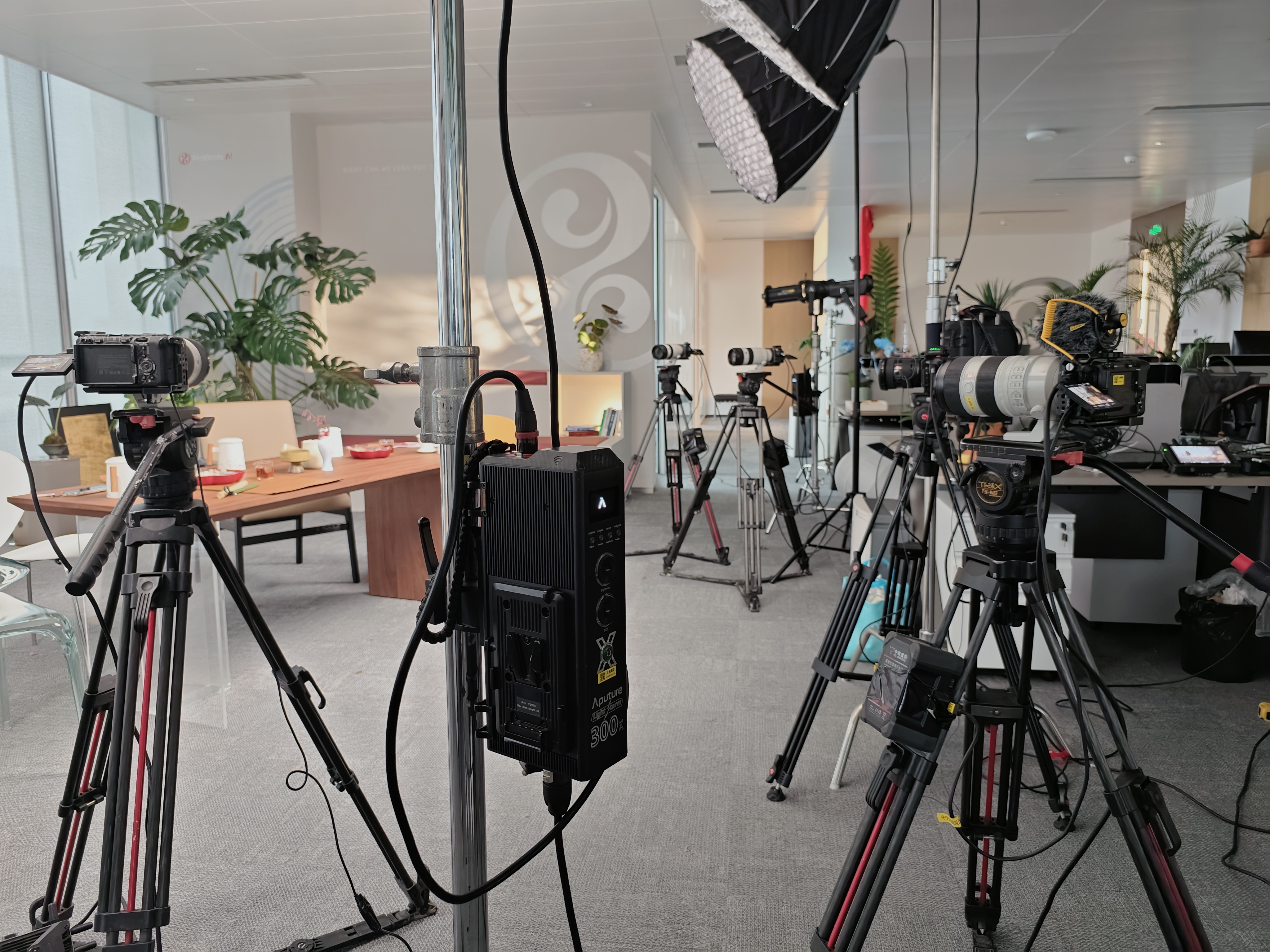
Project-site image showing equipment placement and working conditions.
Direct answer
A multi-camera roundtable succeeds when framing, audio, monitoring, sync and media handoff form one workflow—not when cameras are added without a plan.
01
Start with deliverables, then assign cameras
This field project used four close-up cameras for four guests and one wide camera. That layout served a specific four-person edit and is not a universal template. Define the required singles, relationship shots, wide shot and reactions before deciding camera count.
After positions are chosen, align subject size, headroom and eyeline. Choose focal length from the real camera distance and room geometry rather than ordering by a fixed number alone.
Checklist
- ✓Deliverable shot list
- ✓Floor plan
- ✓Shot and lens role per camera
- ✓Walking paths and occlusion risks
02
Build a primary audio path and a backup
The project fitted each guest with wireless audio and kept an on-camera microphone as a backup. Confirm channel capacity, connectors, clothing placement and power before arrival.
Run a normal-volume test for every speaker and listen for level, noise, interference and clothing rub. A backup reduces single-point failure; it does not replace active monitoring.
Checklist
- ✓Individual sound check
- ✓Spare power
- ✓Lavalier mounting supplies
- ✓Backup ambience track
- ✓Monitoring headphones
03
Close the monitoring and sync loop before recording
With five distributed cameras, assign who judges the shared monitor and who checks recording status, cards and batteries at each body.
Without timecode, align camera clocks and capture a visible or audible sync mark. Record every stop, card change or restart and create a new mark when needed.
Checklist
- ✓Monitoring owner
- ✓Matching record format
- ✓Sync mark
- ✓Restart log
- ✓Camera status checks
04
Use IDs to prevent handoff confusion
Carry one ID from the camera label to card case, folder and handoff sheet. Do not move cards between cameras before two verified copies and an updated log exist.
Record the camera ID, card ID, time range and any missing or abnormal segment so post-production does not have to infer camera identity from timestamps.
Checklist
- ✓Camera IDs
- ✓Card-case IDs
- ✓Per-camera folders
- ✓Exception notes
- ✓Named handoff
Frequently asked questions
Does every roundtable need five cameras?
No. Five cameras matched this four-guest project. Choose the count from required shots, room, crew and budget.
Can multi-camera footage be synchronized without timecode?
Yes, with aligned clocks, a clear sync mark and a log of stops, card changes and restarts. Higher-risk work may justify dedicated timecode.
Why keep backup audio when every guest has a wireless mic?
Wireless paths can suffer power, obstruction, interference or clothing noise. A backup reduces single-point failure but does not replace live monitoring.